Networks per client
One queue, seven destinations. The engine produces the daily output; your team directs it.
Languages, natively
Generated in-language for every client — not machine-translated afterwards.
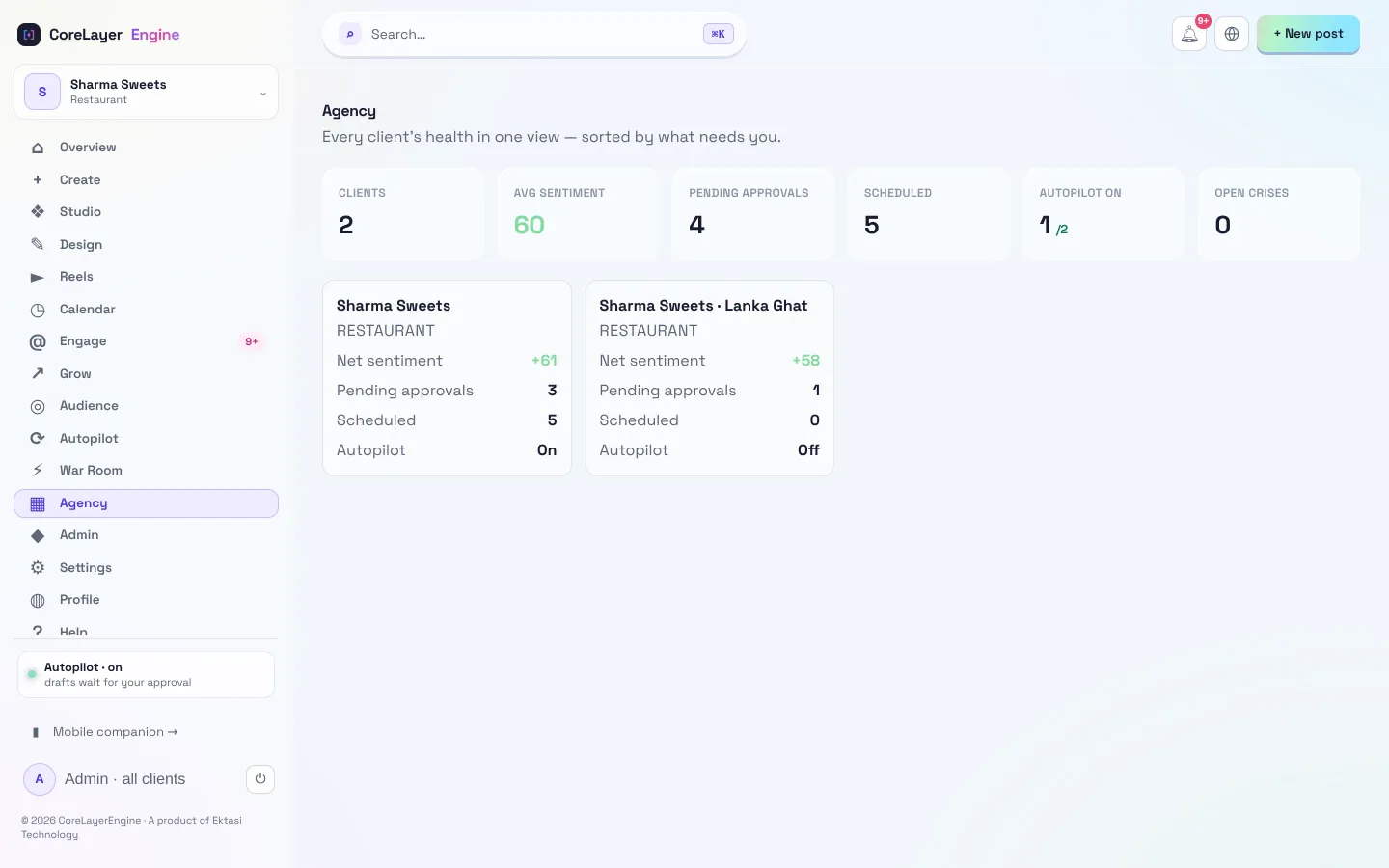
Control room
Every client account, workflow, and approval in one place.
Posts you didn't approve
Approve-first is the default. The engine drafts; nothing reaches a client feed without your yes.
One platform. Unlimited brand identities.
Whether you manage fifty clients or a conglomerate's distinct product lines, Workspaces keep everything isolated. Separate brand guidelines, tone-of-voice settings, and analytics — with zero cross-contamination.
From pitch to published — with your sign-off.
Spin up a workspace
Onboard a client's brand, voice, and channels in minutes.
Set the guardrails
Approval rules, disclosures, and no-go topics per client.
Let the engine run
It ideates, crafts, and queues daily output across channels.
Client approves
They sign off in the portal; it publishes and reports back.
Running an agency on it
Can my clients approve their own posts?+
Yes. Each workspace has a client portal where your client (or your strategist, or both) signs off before anything publishes. You set who approves what, per account.
Do reports show how we stack up against competitors?+
Yes — competitor benchmarking and share-of-voice are built into every client report, so each Monday's auto-sent PDF shows not just performance but position against rivals.
Can it handle comment replies across all our accounts?+
It can. Comment auto-reply runs across every account you manage, in each brand's voice — warm replies go out automatically, anything negative or sensitive waits for your team.
How does pricing work for multiple client brands?+
The Unlimited plan (₹20,000/$200 a month) is built for agency-scale, multi-brand use with fair-use limits — unlimited workspaces and client portals. See Pricing for exact allowances.
Is each client's data kept separate?+
Completely. Workspaces isolate brand guidelines, tone, analytics and access — zero cross-contamination between one client and another.
Scale your agency without scaling your team.
See how one control room runs every client account — on autopilot, with your approval at every step.