Every brand in its own lane. Every approval in one queue.
A CoreLayerEngine workspace is a fully isolated brand environment: its own voice and guidelines, languages, connected channels, contact list, learning data, and analytics. Nothing leaks between workspaces — the engine that learns one client's audience never colors another's — while you switch and approve from a single login.
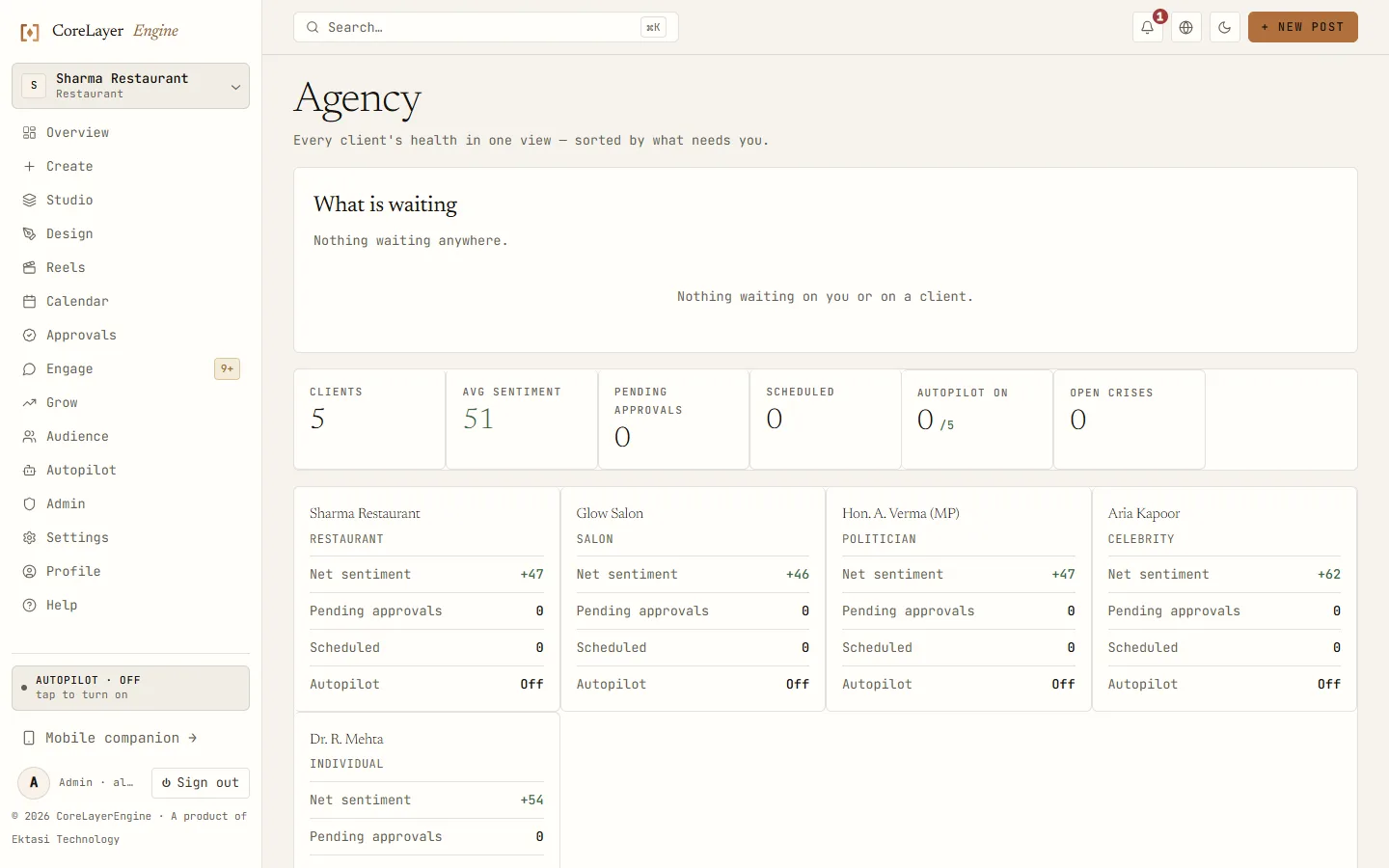
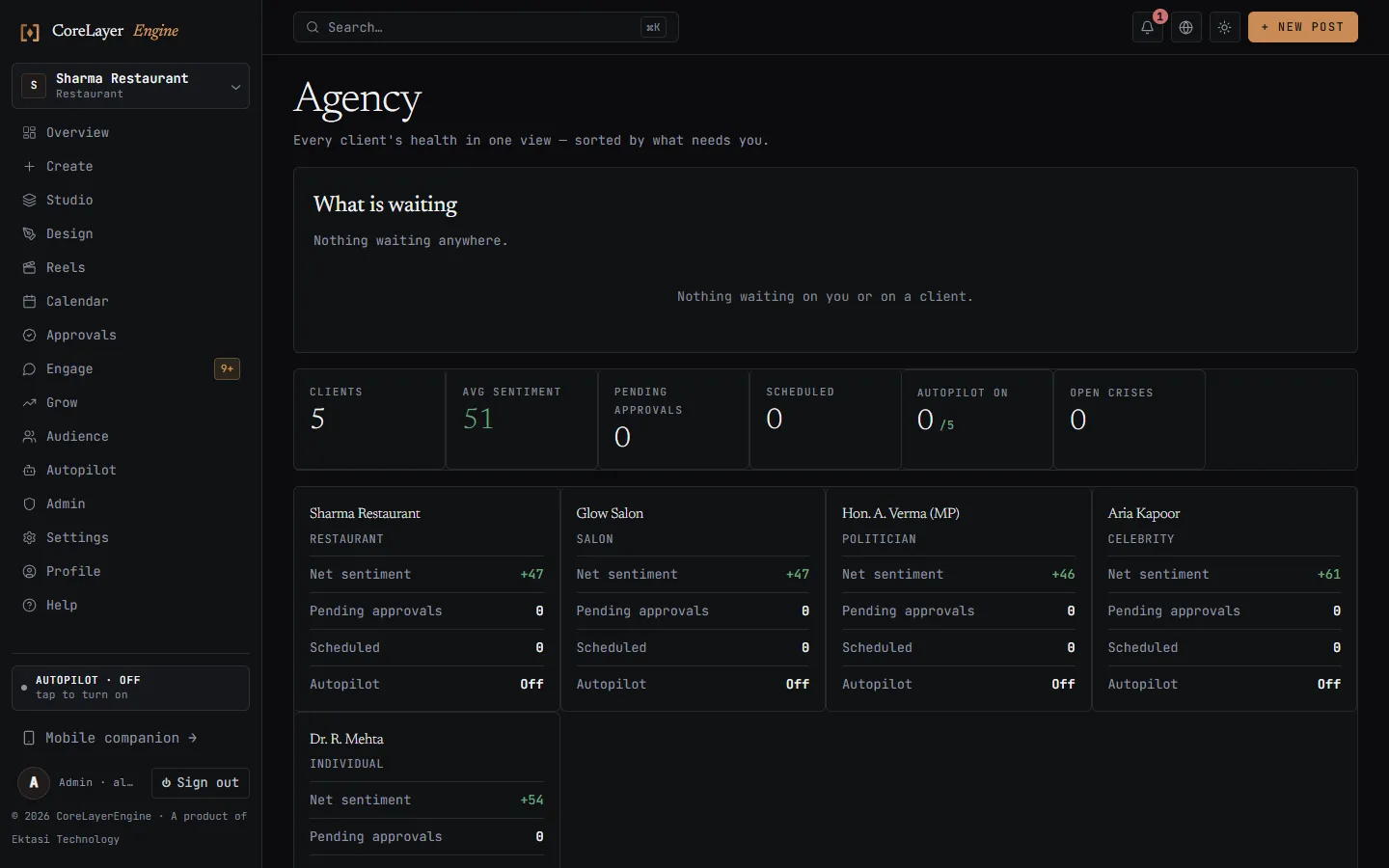
Screens on this page are real captures of the shipping console running the built-in demo workspace — a fictional Varanasi sweet shop, not a customer. The numbers on screen are seeded demo data.
What is isolated per workspace?
- ✓Brand profile — voice, offerings, colors, do/don't rules
- ✓Languages — each workspace publishes in its own set
- ✓Channels — separate OAuth connections per brand
- ✓Learning data — tone/format experiments and best-time models are per-workspace, so results stay clean
- ✓Audience — contacts, lead page, and consent records
- ✓Analytics & audit — reports and audit trails per brand
One café's Hinglish humor never trains a law firm's LinkedIn voice. Isolation is what keeps autonomous generation safe at scale.
What is shared across workspaces?
Your team, your login, and your workflow. Switch workspaces with a picker; see cross-brand rollups in the agency console; approve everything from one queue — including approve-all for a morning's proposals. Multi-workspace ownership means one owner can hold several brands without separate accounts.
How many workspaces do I get?
Free and Launch include 1 workspace; Growth includes 2; Studio includes 5 — built for agency rosters. Each workspace has full module access; plans meter volume, not features.
See pricing →Each workspace runs on its own trade’s playbook.
Isolation is not only about data. A salon and a law firm do not sell the same way, and averaging them produces copy that suits neither.
Every workspace works from the playbook for its trade — one of twenty-seven. The salon’s posts lead with the transformation rather than the price; the restaurant’s with the craving and the daypart; the clinic’s with reassurance and never a guarantee. One café’s Hinglish never trains a law firm’s LinkedIn.
Roles, access, and safety
Owner, admin, and member roles; org-wide MFA policy available (require two-factor before anyone can act); session management with revoke; and every workspace's data hosted in India. Client work is separated the way an auditor would want it.
Three consoles, one engine
SMB console
The default: Today view, Create, Calendar, Autopilot, Grow.
Agency console
Cross-client rollup, approval queue, portfolio analytics.
Figure console
Governance-first view for public figures and their staff.
Frequently asked questions
What is a workspace in CoreLayerEngine?+
A fully isolated brand environment containing its own brand profile, languages, channel connections, audience contacts, learning data, and analytics. Workspaces share your login and approval workflow but never share data — each brand's AI learns only from that brand's results.
How are workspaces different from channel groups?+
Channel groups organize accounts; workspaces isolate intelligence. In CoreLayerEngine each workspace carries separate brand guidelines, tone experiments, best-time models, contact lists, and audit trails — so autonomous generation stays on-brand per client instead of averaging across your whole roster.
Can one person manage many workspaces?+
Yes. Multi-workspace ownership lets a single owner hold several brands, switch instantly with the workspace picker, and clear all pending approvals from one queue. Growth includes 2 workspaces; Studio includes 5.
Do clients get access to their workspace?+
You choose. Invite client users into their own workspace with role-based access, route approvals to them via Slack or Teams, or keep access internal and send scheduled PDF reports instead. Every action is attributed and auditable either way.